
Enjoy Less Stress
OneCNC CADCAM provides a simple, straight forward path to programming CNC toolpath.
Using OneCNC CADCAM, Companies Have
100% CADCAM software ownership, no recurring rental fees
Freedom from internet, no internet required
Security of a world wide CADCAM company established in 1983
Secure Data. All geometry, tool path, setup sheets and CNC code stored locally
Straight forward, easy to use CADCAM
Free, highest rated, local and fast customer support
Stand alone and multi seat network solutions
Fast learning curve. Begin programming parts within hours instead of days
Easily transfer your OneCNC CADCAM license to and from desktops and laptops
24/7 OneCNC user forum to share and learn from other OneCNC customers

You're in Control
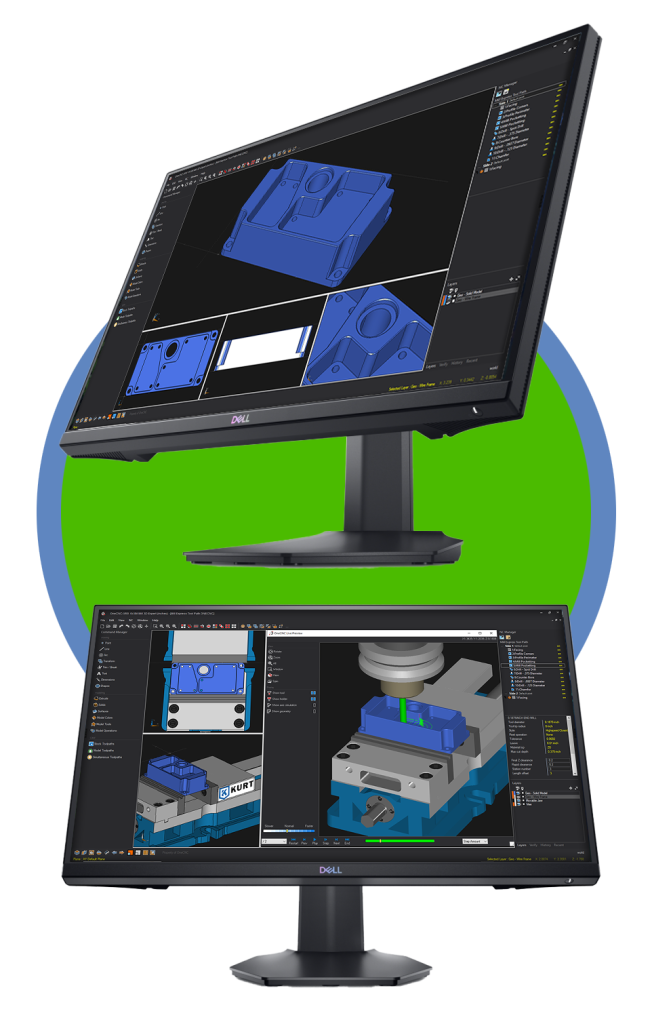
Select a user interface theme then customize to your liking.

A Little History
Simply put, OneCNC CADCAM has been and will always be developed with the machinist in mind. In fact, OneCNC CADCAM was originally developed by a manufacturing facility in 1983 to assist with their CNC programming requirements.
Fast forward to today, OneCNC provides CADCAM solutions worldwide supported by local offices. To ensure efficiency and quality, OneCNC uses their multi axis mill and lathe CNCs to verify all CAM machining operations.
Maintaining to their original goal, OneCNC continues to provide easy to use, easy to learn, dependable, productive CADCAM software at an affordable price.
As a OneCNC office, we (OneCNCWest) understand that great technical support is vital for customer satisfaction. Our free technical support is recognized as providing the very best of service. All of our customers benefit from fast, local and effective technical support. We think you deserve that as well.
How We Can Assist
Versatile CAD:
Geometry can be easily created using wire frame, solids and surfaces. Detailing provides the ability to create dimensions and prints. Create highly detailed prints form 3D models or simple 2D geometry.
3rd Party CAD Formats:
OneCNC supports a wide variety of CAD formats. For example: SolidWorks, Parasolid, Step, Sat and many more. These 3rd party CAD files can be imported into OneCNC for editing and toolpath application.
Toolpath Templates:
When performing any machining operation, all parameters can be saved as a toolpath template. Use toolpath templates to reduce programming time as well as maintain consistency.
Toolpath Verification:
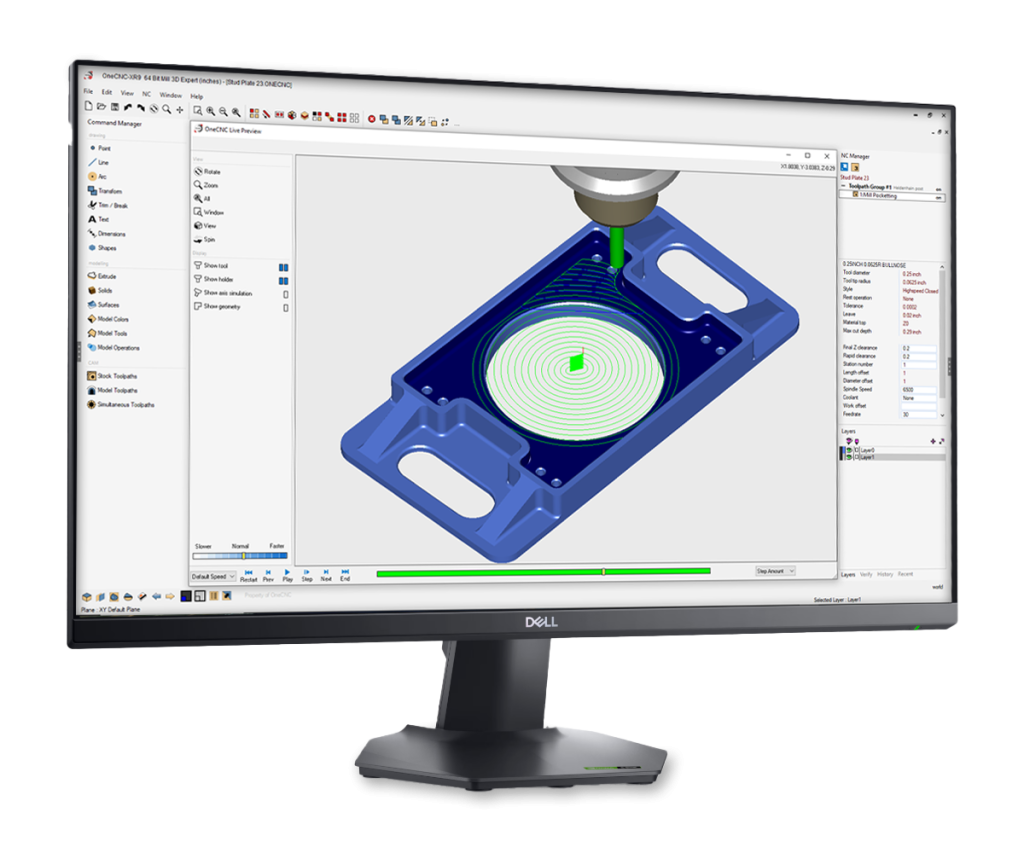
Toolpath can be previewed along with all fixtures and work holding. Toolpath can also be simulated with stock to verify material removal as well as collision check.
Post Processors:
You can use existing OneCNC post processors to generate CNC code or you can easily create and edit post processors. OneCNC provides a simple yet effective set of tools to create and edit post processors.
OneCNCFlix

OneCNC CADCAM
Video can be expanded to full screen
OneCNC CADCAM
Video can be expanded to full screen
OneCNC CADCAM
Video can be expanded to full screen
Learn More
OneCNCWest
1042 N Mountain Ave.
Suite B
Upland, California
91786