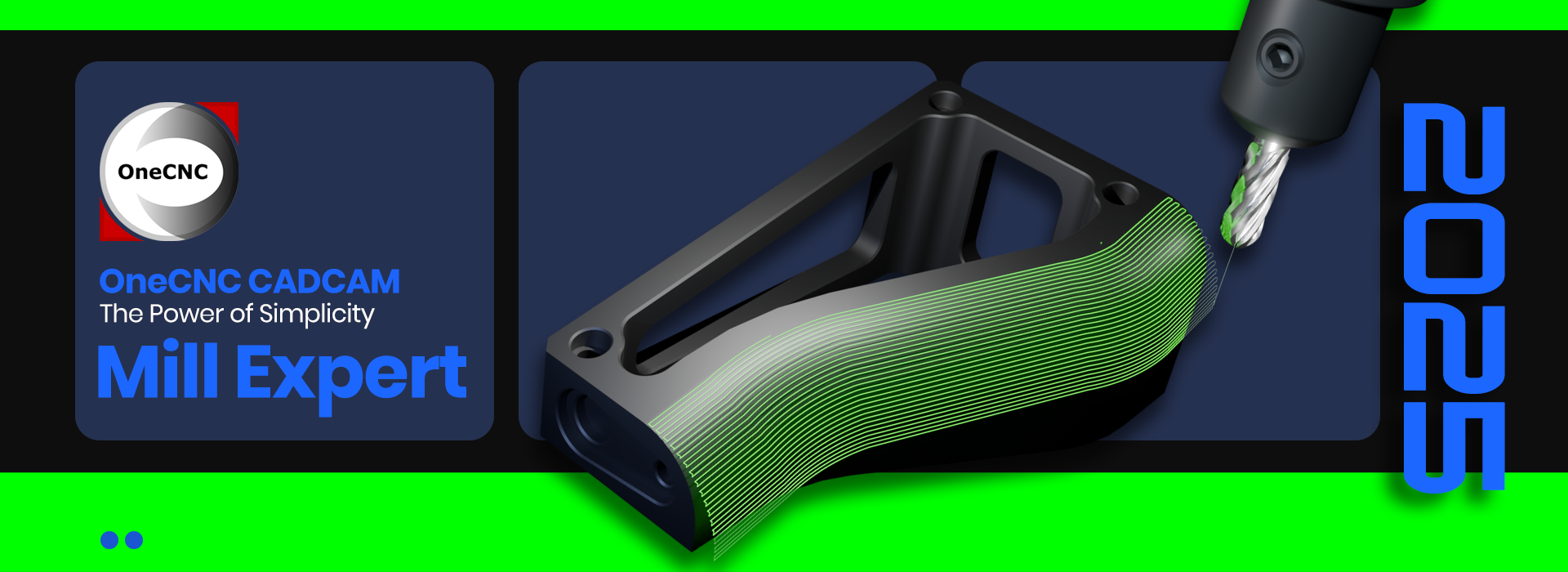
OneCNC
Mill Expert
Taking You to the Next Level
OneCNC Mill Expert is the highest level CADCAM system provided by OneCNC for CNC mill manufacturing. It provides the highest level 3 axis toolpaths, 2.5 axis toolpaths, geometry and detailing tools. Most significantly, OneCNC Mill Expert provides the growth path for your current Mill CADCAM capabilities.
Expanded Range of CNC Parts Manufactured
The Mill Expert upgrade allows you to machine a wider variety of parts, including more complex geometries and intricate features. This means greater flexibility in taking on different projects, whether for aerospace, automotive, medical, or general manufacturing applications.
Reduced Cycle Times
With optimized toolpath strategies, machining operations become more efficient, reducing unnecessary movements and improving overall cutting performance. This results in shorter cycle times, helping you increase productivity without compromising precision.
Advanced Part Finishes and Strategies
The Mill Expert upgrade includes enhanced finishing strategies that produce smoother surfaces and minimize the need for manual polishing or secondary operations. Improved toolpath control helps achieve high-quality finishes, reducing machining marks and improving overall part aesthetics.
Flexibility Via all OneCNC 2.5 and 3 Axis Toolpaths
Having access to all OneCNC 2.5 and 3 axis toolpaths provides more control and flexibility in programming different machining operations. This ensures that whether you’re roughing, contouring, or finishing, you have the right toolpath available to meet project requirements efficiently.
Versatility Via Customized Toolpaths
Customizable toolpaths allow you to fine-tune machining operations to match specific job requirements. Whether optimizing for speed, tool life, or surface finish, this feature provides greater adaptability to different materials and machining conditions.
Seamless 4 Axis and 5 Axis Expansion
If you’re considering multi-axis machining in the future, this upgrade provides a seamless transition to 4-axis and 5-axis capabilities. It ensures compatibility and scalability, allowing you to expand your machining capabilities when needed without workflow disruptions.
The following video provides an overview of some of the key benefits provided by OneCNC Mill Expert:

Video: Mill Expert Overview
Click image above to review video
Video can be expanded to full screen
Video can be downloaded and saved
(Google Chrome Browser Required for Download)
Features to Grow With
OneCNC Mill Expert provides the toolpath and features to expand your current OneCNC CADCAM programming capability.
As a direct result of this, the type of CNC parts that can be programmed and manufactured will increase. Providing additional part versatility and surface finishes.
Please also note that OneCNC Mill Expert is the prerequisite for all OneCNC multi axis modules. Ensuring the seamless addition of 4 axis and 5 axis programming.
The following is a list of key benefits and features that OneCNC Mill Expert provides:
• Toolpath – Z Level Rough
• Toolpath – Planar Rough
• ToolPath – Plunge Rough
• Toolpath – Radial Rough
• Toolpath – Spiral Rough
• Toolpath – Custom Rough
• Toolpath – Z Level Finish
• Toolpath – Planar Finish
• Toolpath – Planar Finish Face
• Toolpath – Area Machining (Video Below)
• Toolpath – Flow Machining (Video Below)
• Toolpath – Valley Machining
• Toolpath – Z Level Complete Finish (Video Below)
• Toolpath – Flat Area Machining
• Toolpath – Undercut Machining
• Toolpath – Constant Offset Machining
• Toolpath – Offset Machining
• Toolpath – Pencil Trace (Video Below)
• Toolpath – Radial Finish (Video Below)
• Toolpath – Spiral Finish (Video Below)
• Toolpath – Custom Finish (Video Below)
• Toolpath – Planar Steep Wall
• Toolpath – Planar Shallow
• Toolpath – Deburr (Video Below)
• Toolpath – Center Optimized Closed (Video Below)
• Toolpath – Machine From Stock (Video Below)
• Geometry – Shell Feature (Video Below)
• Geometry – Advanced Gear
• Geometry – Remove a Hole
• Geometry – Remove a Pocket
• Geometry – Extend a Surface
• Geometry – Untrim a Surface
• Geometry – Create Intersection Geometry
• Geometry – Parting Tool Find Difficult Join Areas
• Geometry – Parting Tool Extract Boundary
• Geometry – Parting Tool Extract Single
• Geometry – Parting Tool Split Job (Video Below)
• Geometry – Parting Tool Stock Cutter
• Geometry – Parting Tool Knife Cutter
• Geometry – Parting Tool Block Holes
• Geometry – Parting Tool Outbound Surfaces Auto
• Geometry – Parting Tool Outbound Surface Manual
• Geometry – Perfect Render (Video Below)
• Detailing – Geometric Tolerancing (Video Below)
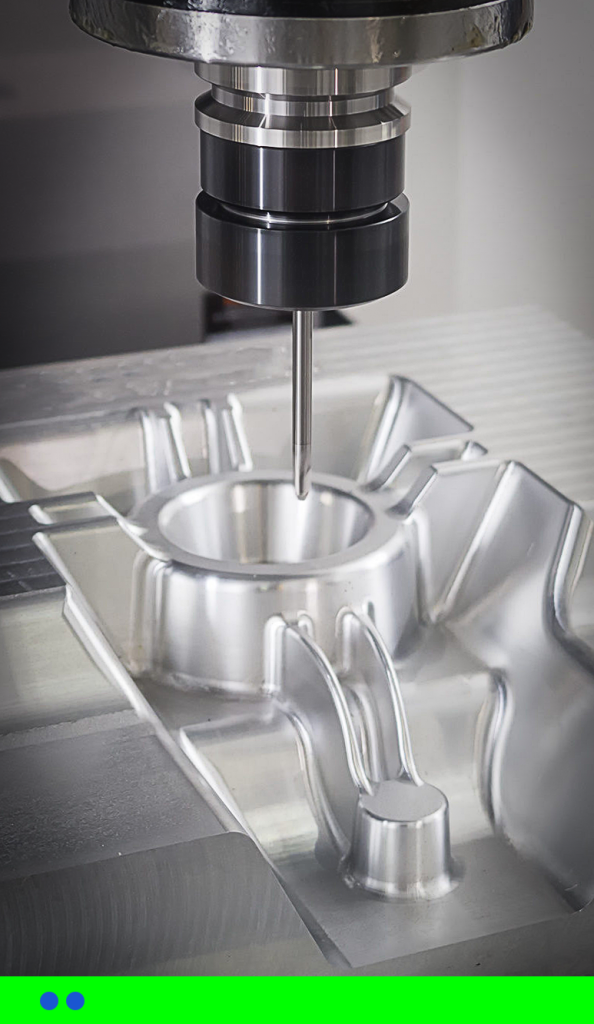
Video: Toolpath Area Machining
Click image above to review video
Video can be expanded to full screen
Video can be downloaded and saved
(Google Chrome Browser Required for Download)
Video: Toolpath Flow Machining
Click image above to review video
Video can be expanded to full screen
Video can be downloaded and saved
(Google Chrome Browser Required for Download)
Video: Toolpath Z Level Complete Finish
Click image above to review video
Video can be expanded to full screen
Video can be downloaded and saved
(Google Chrome Browser Required for Download)
Video: Toolpath Pencil Trace
Click image above to review video
Video can be expanded to full screen
Video can be downloaded and saved
(Google Chrome Browser Required for Download)
Video: Toolpath Radial and Spiral Finish
Click image above to review video
Video can be expanded to full screen
Video can be downloaded and saved
(Google Chrome Browser Required for Download)
Video: Toolpath Custom Finish
Click image above to review video
Video can be expanded to full screen
Video can be downloaded and saved
(Google Chrome Browser Required for Download)
Video: Toolpath Deburr
Click image above to review video
Video can be expanded to full screen
Video can be downloaded and saved
(Google Chrome Browser Required for Download)
Video: Toolpath Center Optimized Closed / Machine From Stock
Click image above to review video
Video can be expanded to full screen
Video can be downloaded and saved
(Google Chrome Browser Required for Download)
Video: Geometry Shell Feature
Click image above to review video
Video can be expanded to full screen
Video can be downloaded and saved
(Google Chrome Browser Required for Download)
Video: Geometry Parting Tool Split Job
Click image above to review video
Video can be expanded to full screen
Video can be downloaded and saved
(Google Chrome Browser Required for Download)
Video: Geometry Perfect Render
Click image above to review video
Video can be expanded to full screen
Video can be downloaded and saved
(Google Chrome Browser Required for Download)
Video: Detailing Geometric Tolerancing
Click image above to review video
Video can be expanded to full screen
Video can be downloaded and saved
(Google Chrome Browser Required for Download)