This is where all of your new OneCNC technical support videos will be stored.
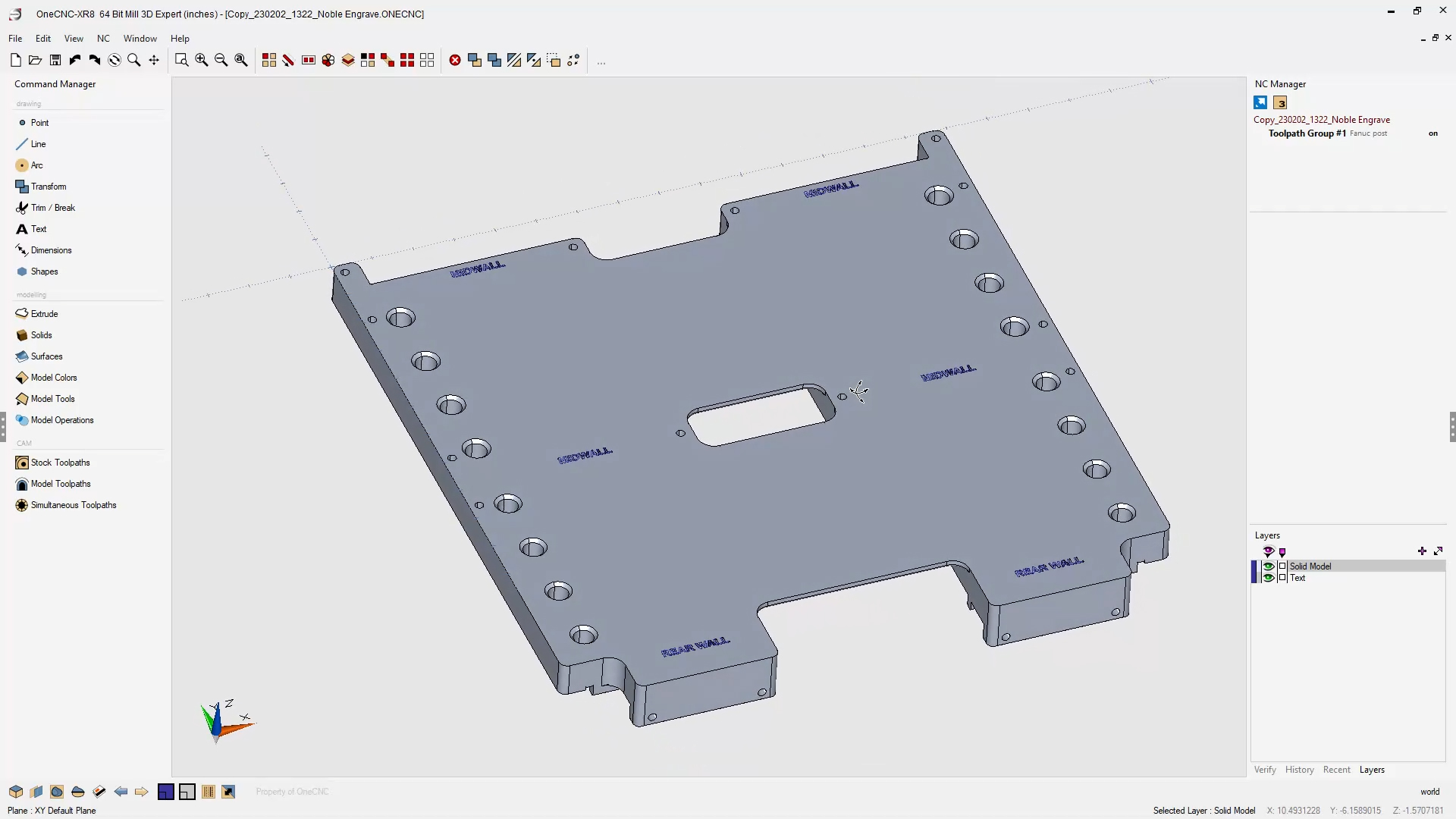
09/28/23 - Create DXF File from 3D Geometry
Video can be expanded to full screen for best Resolution Video can be downloaded and saved to computer if Google Chrome browser is used
05/25/23 - Create Horizontal and Vertical Lines
Video can be expanded to full screen for best Resolution Video can be downloaded and saved to computer if Google Chrome browser is used
05/25/23 - Measure Angle Using Cross Section
Video can be expanded to full screen for best Resolution Video can be downloaded and saved to computer if Google Chrome browser is used
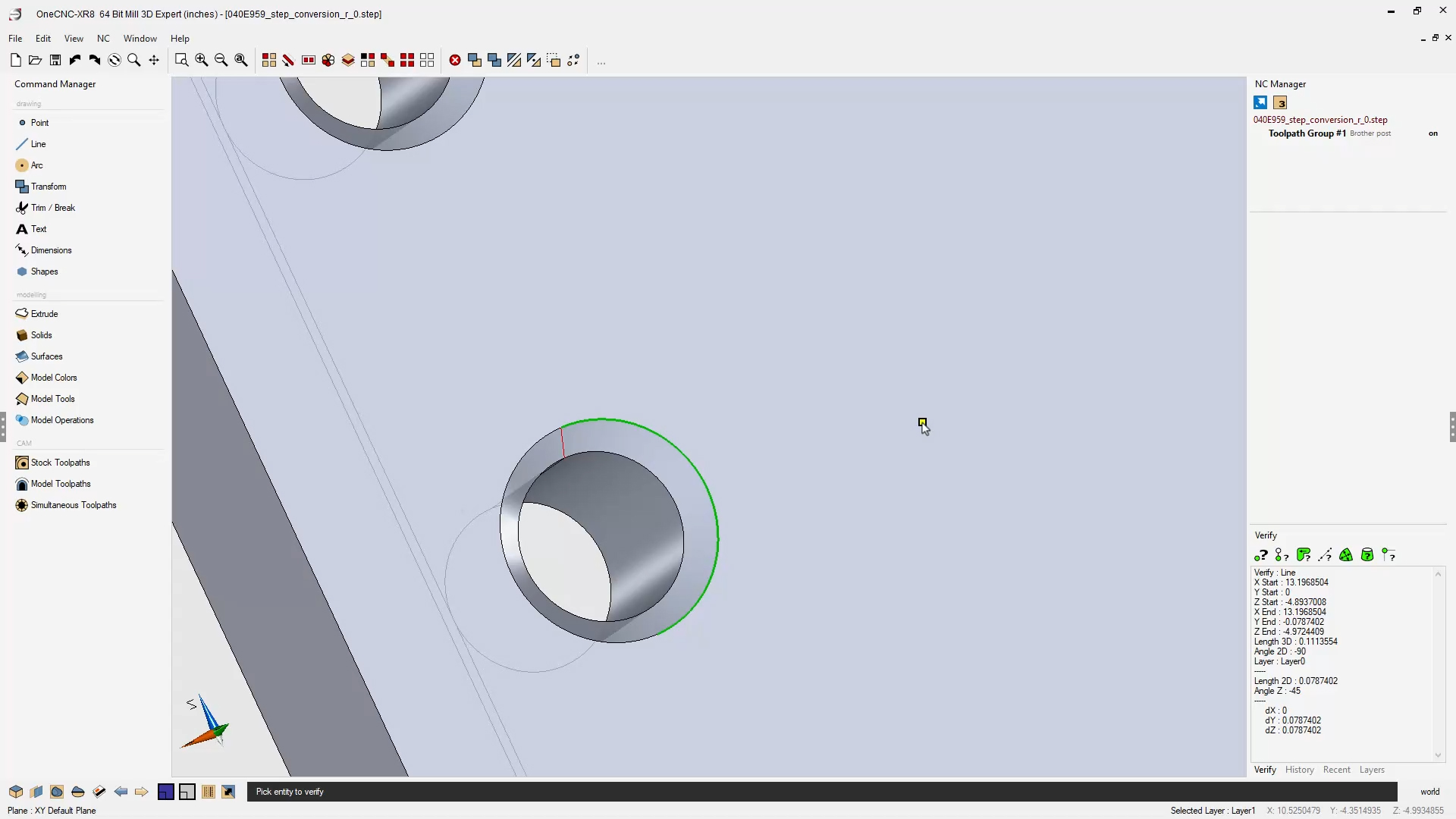
04/20/23 - Measure Angle Between Holes
Video can be expanded to full screen for best Resolution Video can be downloaded and saved to computer if Google Chrome browser is used
04/20/23 - Rotate Part
Video can be expanded to full screen for best Resolution Video can be downloaded and saved to computer if Google Chrome browser is used
04/20/23 - Fixture Example and Create Hole Geometry
Video can be expanded to full screen for best Resolution Video can be downloaded and saved to computer if Google Chrome browser is used
04/20/23 - Create Simple DXF File
Video can be expanded to full screen for best Resolution Video can be downloaded and saved to computer if Google Chrome browser is used
04/20/23 - Drill The Hole
Video can be expanded to full screen for best Resolution Video can be downloaded and saved to computer if Google Chrome browser is used
Apply Engrave Tool Path
Video can be expanded to full screen for best Resolution. To download video, click the “3 dot” button in the lower right corner, then select “download”
Measure Chamfer Angle
Video can be expanded to full screen for best Resolution. To download video, click the “3 dot” button in the lower right corner, then select “download”
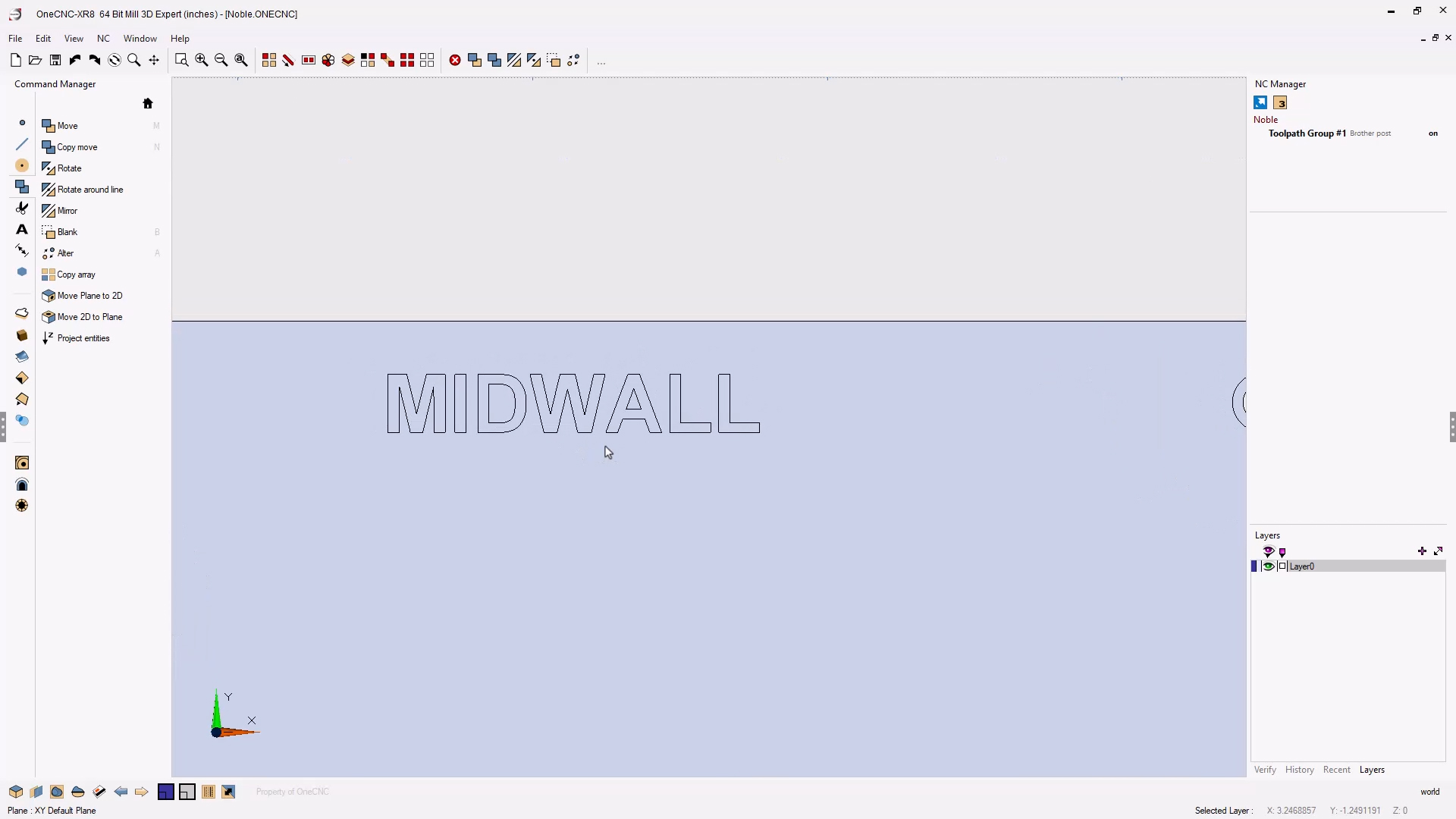
Create "Arial" Text
Video can be expanded to full screen for best Resolution. To download video, click the “3 dot” button in the lower right corner, then select “download”
Create Construction Geometry
Video can be expanded to full screen for best Resolution. To download video, click the “3 dot” button in the lower right corner, then select “download”
Rotate and Position Geometry
Video can be expanded to full screen for best Resolution. To download video, click the “3 dot” button in the lower right corner, then select “download”
Create Hole Geometry and Dimensions
Video can be expanded to full screen for best Resolution. To download video, click the “3 dot” button in the lower right corner, then select “download”
Create DXF File for Rectangular Cutout Face
Video can be expanded to full screen for best Resolution. To download video, click the “3 dot” button in the lower right corner, then select “download”
Using Cross Section for Additional Chamfer Information
Video can be expanded to full screen for best Resolution. To download video, click the “3 dot” button in the lower right corner, then select “download”
Noble Thai - Post Processors
This is where a copy of all your custom OneCNC post processors will be stored. The following are just examples of how your custom post processors will be made available.
Noble Thai: Mill Post Processor
This is an example of how your post processors will be provided. 2.5 and 3 Axis Mill Fanuc.pst Copy into the “Settings” folder