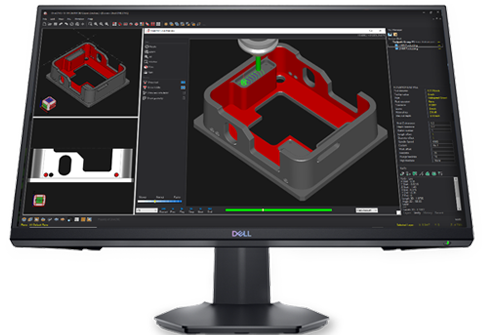
OneCNC CADCAM Videos

Provided By OneCNCWest
Phone: (909) 931-7811

Logo

XYZ Precision Metal INC.

OneCNC CADCAM Videos
Please Note: The videos are in sequential order (Geometry to Toolpath) 

08/18/26 - Greate Solid Model - Step #1

Video can be expanded to full screen
Video can be downloaded and saved to computer if using the Google Chrome browser

08/18/26 - Greate Solid Model - Step #2

Video can be expanded to full screen
Video can be downloaded and saved to computer if using the Google Chrome browser

08/18/26 - Position the Solid Model - Step #3

Video can be expanded to full screen
Video can be downloaded and saved to computer if using the Google Chrome browser

08/18/26 - Finish Solid Model - Step #4

Video can be expanded to full screen
Video can be downloaded and saved to computer if using the Google Chrome browser

Download The "Part Geometry" File

The geometry file has been saved in the OneCNC “Classic CAD” format.
The “Part Geometry” file can be downloaded by clicking on the following link:

Link: – Download The “Part Geometry” File

After you have download the file, you can load it into OneCNC using the “Classic CAD” format.

08/20/26 - Apply Toolpath to Side 1 - Step #5

Video can be expanded to full screen
Video can be downloaded and saved to computer if using the Google Chrome browser

08/20/26 - Apply Toolpath to Side 2 - Step #6

Video can be expanded to full screen
Video can be downloaded and saved to computer if using the Google Chrome browser